The report settings are available through an icon on the top-right corner of the report editing screen:

When selected, the following dialog opens:
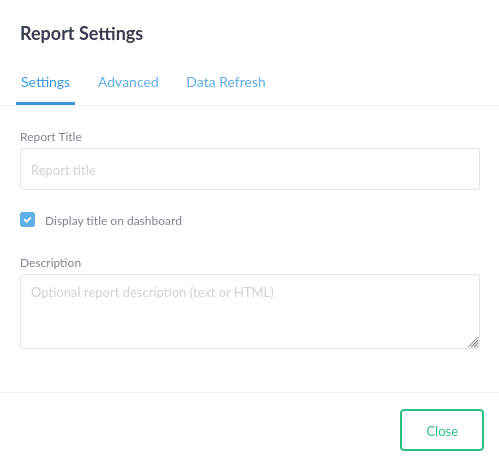
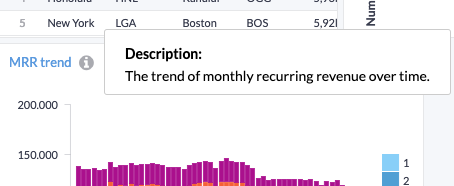
The optional, longer description is displayed in a tooltip on the report title.
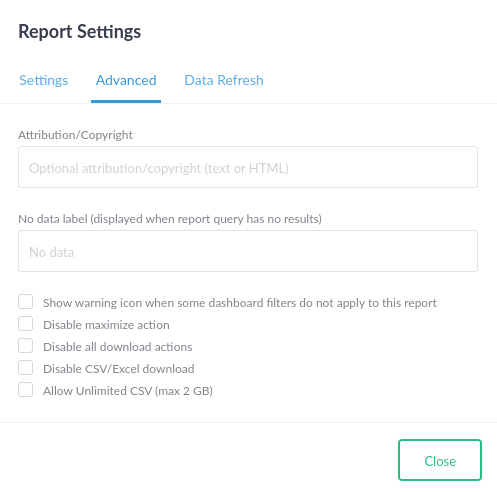
The "Advanced" settings tab shows some further options for tweaking the appearance of a report and should be largely self-explanatory:
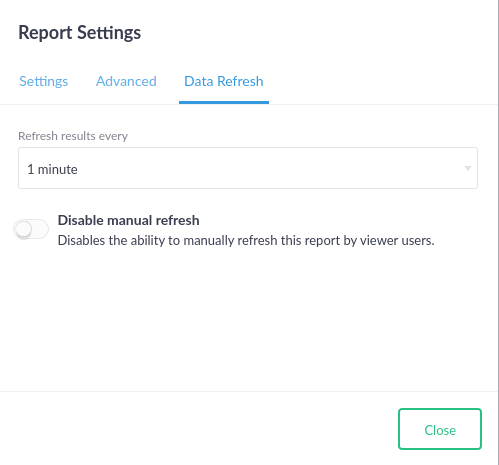
Finally, the "Data Refresh" tab allows configuring the maximum age of cached results that may be returned: